Change Heat Map Opacity
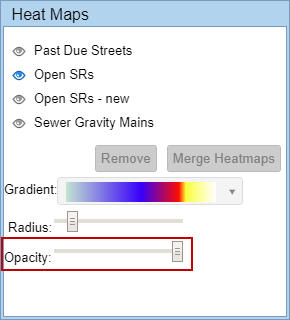
Opacity refers to the transparency of the heat map. The opacity can be adjusted to let you see more or less of the base map under the heat map.
-
- Select the heat map layer.
- Slide the Opacity bar to the left to make the heat map more opaque, or to the right to make it less opaque.