Add a Point
Points can be added to highlight a single point on the map.
- Open the Redline map tool from the map toolbar or select it from the Tools drop-down list.
-
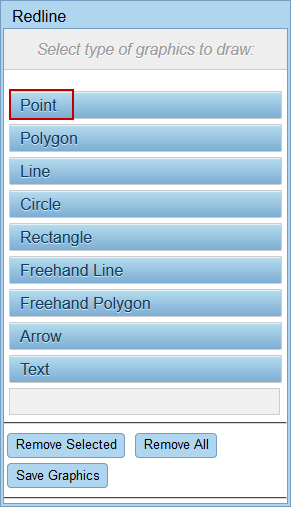
 NOTE: Only one point can be added at a time.
- See Save Redline Image to a Work Activity