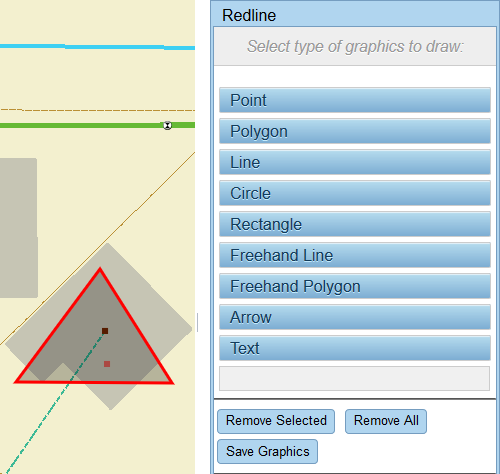
Add a Polygon

Polygons can be added to highlight an area on the map.
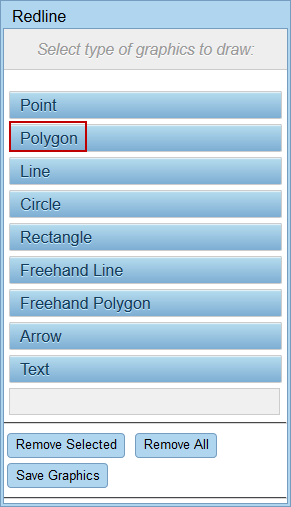
  1. Click Redline on the map toolbar or select it from the Tools drop-down list.
  2. Click Polygon.

  1. Click each point of the polygon on the map.
  2. Double-click the last point to close the polygon. The selected area is shaded.

  1. See Save Redline Image to a Work Activity or Download a Redline Image to save the graphic you just created.