Violations Search Tab Fields
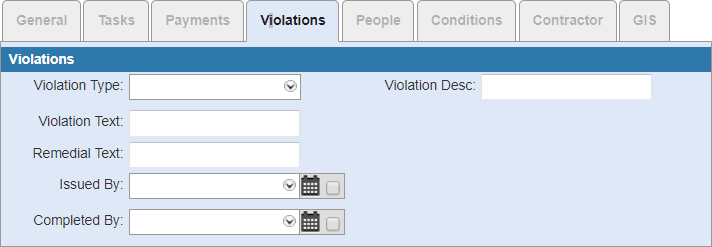
- Violation Type: Select a violation type.
- Violation Desc: Enter a description of the violation.
- Violation Text: Enter the nature of the violation. This may include portions of the city code or another authoritative document.
- Remedial Text: Enter text that indicates what needs to be done to correct the violation.
- Issued By: Select who the violation is issued by. Select the check box next to the calendar icon to further define the search criteria. See Search Within a Date Range for more information on using the calendar icon.
- Completed By: Select the person who completed the violation. Select the calendar check box to search for cases within the completed by date range. See Search Within a Date Range for more information on using the calendar icon.