Percentage Deposit

A deposit can be calculated as a percentage of the configured fees on the case.

  1. Click Add record on the Deposit panel to open the Add Deposit panel.

Deposit Panel Add Record

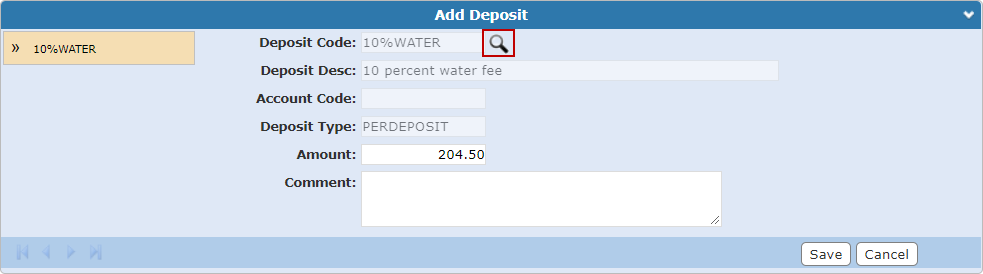
  1. Click Deposit Lookup to the right of the Deposit Code field and select the percentage deposit from the list. Deposit Codes are configured by the administrator. See the Deposits section in the PLL Admin Office Companion 23 Guide for more information.
  2. The Amount populates with the calculated percentage of the fees.
  3. Enter a Comment, if any.
  4. Click Save.

Add Deposit Code