Remove a Deposit
To remove a deposit associated with a case, complete the following:
 NOTE: If the deposit has been paid, you must refund the deposit before it can be removed. See Refund a Payment for more information.
- Select the record(s) and
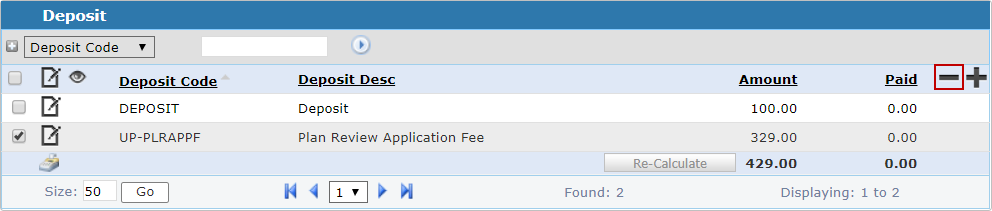
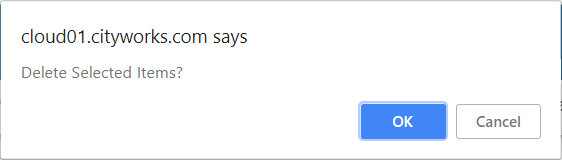
The Deposit panel refreshes and shows the remaining deposits associated to the case.